
It’s one of the most common problems of the modern world, and yet one that so many of us are unsure about how to approach. The truth is that if you want to be able to fix a slow computer, it’s always possible to do, and it might even be easier than you think.
But you will need to be aware of a few key elements first to help ensure that you can approach fixing your slow computer right. It’s something that you are going to want to be aware of for sure, regardless of how much or how little you actually use your computer.
Identify The Source Of Slowness
This is a really important first step, and one that is very commonly overlooked. Before replacing anything, it’s essential to diagnose why your computer is slow. Common culprits include overloaded storage, insufficient RAM, outdated components, or background programs consuming resources. Tools like Task Manager on Windows or Activity Monitor on Mac allow you to monitor CPU, memory, and disk usage, giving you a clearer picture of what’s bogging down your system. From there you can then have a much easier time fixing the issue.

Software Optimizations
This is the best place to start in general. Start with straightforward software fixes. Uninstall programs you don’t need, disable startup applications that automatically launch when your PC boots, and run disk cleanup tools to remove temporary files. Keeping your operating system and drivers up to date also ensures your PC runs efficiently. Malware and viruses can severely impact speed, so regular scans with reliable antivirus software are important. Again, it’s a simple thing that can make a world of difference, so it’s worth focusing on for sure.
Upgrade PC Parts
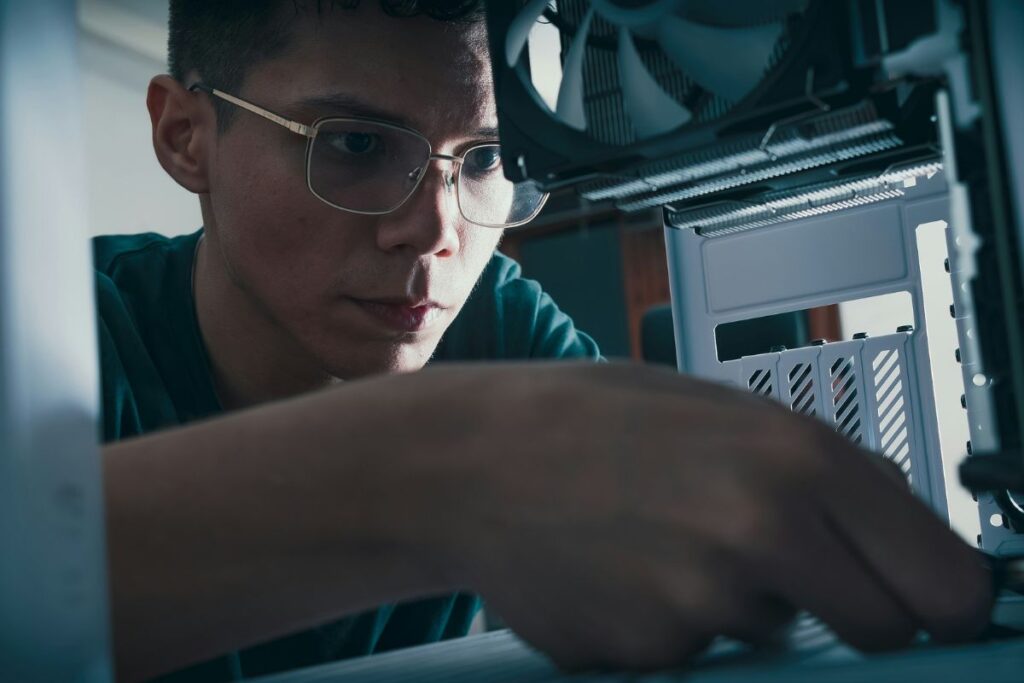
If software tweaks aren’t enough, upgrading PC parts can make a dramatic difference. Adding more RAM allows your computer to handle multiple applications smoothly. For general use, 16GB is often sufficient, while power users and gamers may benefit from 32GB or more. Storage Drives: swapping a traditional hard drive for a solid-state drive (SSD) can drastically reduce boot times and improve application load speeds. For maximum performance, consider an NVMe SSD, which is even faster than standard SATA SSDs. A slow processor limits how quickly your computer can execute tasks. Upgrading to a newer CPU can provide noticeable improvements in responsiveness, particularly for resource-heavy programs.
Considering Costs
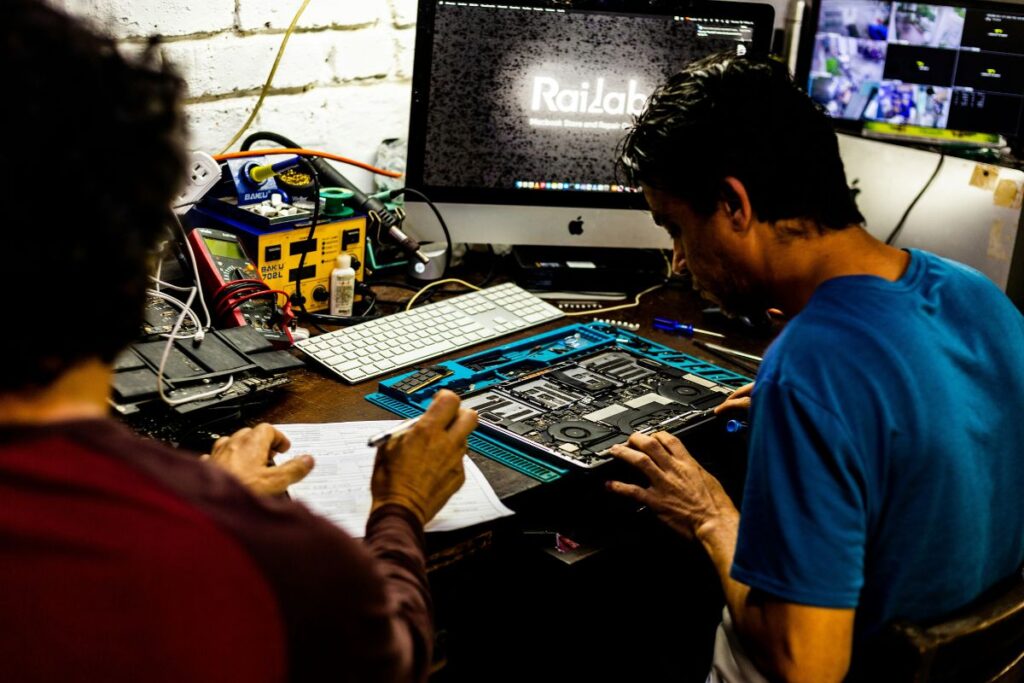
Not every computer needs a full overhaul. Sometimes, upgrading a single component like an SSD or RAM module is enough to breathe new life into an older machine. Evaluate the cost versus the performance benefit, especially if your PC is several years old; in some cases, investing in a new machine may be more cost-effective.
By combining smart software practices with targeted hardware upgrades, you can significantly improve your computer’s speed and reliability. Whether it’s swapping a hard drive for an SSD, adding extra RAM, or optimizing CPU usage, understanding your system and addressing its weaknesses will help you regain that sense of seamless computing.
Images courtesy of unsplash.com and pexels.com